The Home Budget Spreadsheet
Type what you spend. The dashboard does the thinking.
- 12 tabs, zero formulas to touch
- 30-second daily log
- Dashboard does the thinking
- Excel + Google Sheets
Instant email delivery · Files work on any phone, tablet or computer
- Instant deliveryDownload link by email within minutes
- Secure checkoutPaddle handles payment and tax
- 14-day money-back promiseOne email, no forms
- One-time paymentNo subscription, ever
What you get
-
12
tabs
Zero formulas to touch
-
1
automatic dashboard
Type a month, get the answer
-
30s
daily log
Date, description, category, amount
-
Auto
debt ranking
Snowball or avalanche, one dropdown
- 2 apps
- Free future drops
- 10 AI master prompts
Sound familiar?
-
“You've tried budget apps; they lasted a month and sold your data”
-
“The month ends and where the money went is a genuine mystery”
-
“Spreadsheets tempt you but building one from scratch is a weekend you don't have”

You don't need discipline software. You need one sheet that adds itself up.
How it works
Type what you spend. It adds itself up.
Step 1: Log in 30 seconds
Date, description, category from a dropdown, amount.
Step 2: Read the dashboard
Income, spent, left over, savings rate and the chart, automatically.
Step 3: Tick the bills
Every recurring cost with its due day, ticked off monthly.
Step 4: Watch debts and funds move
SNOWBALL ranks the payoff, SINKING FUNDS sets the monthly amount.
Ready when you are. Files in your inbox in minutes.
Meet The Home Budget Spreadsheet
Everything you need to make it come together
-

01 · The problem
Apps that last a month and sell your data.
-
02 · The missing piece
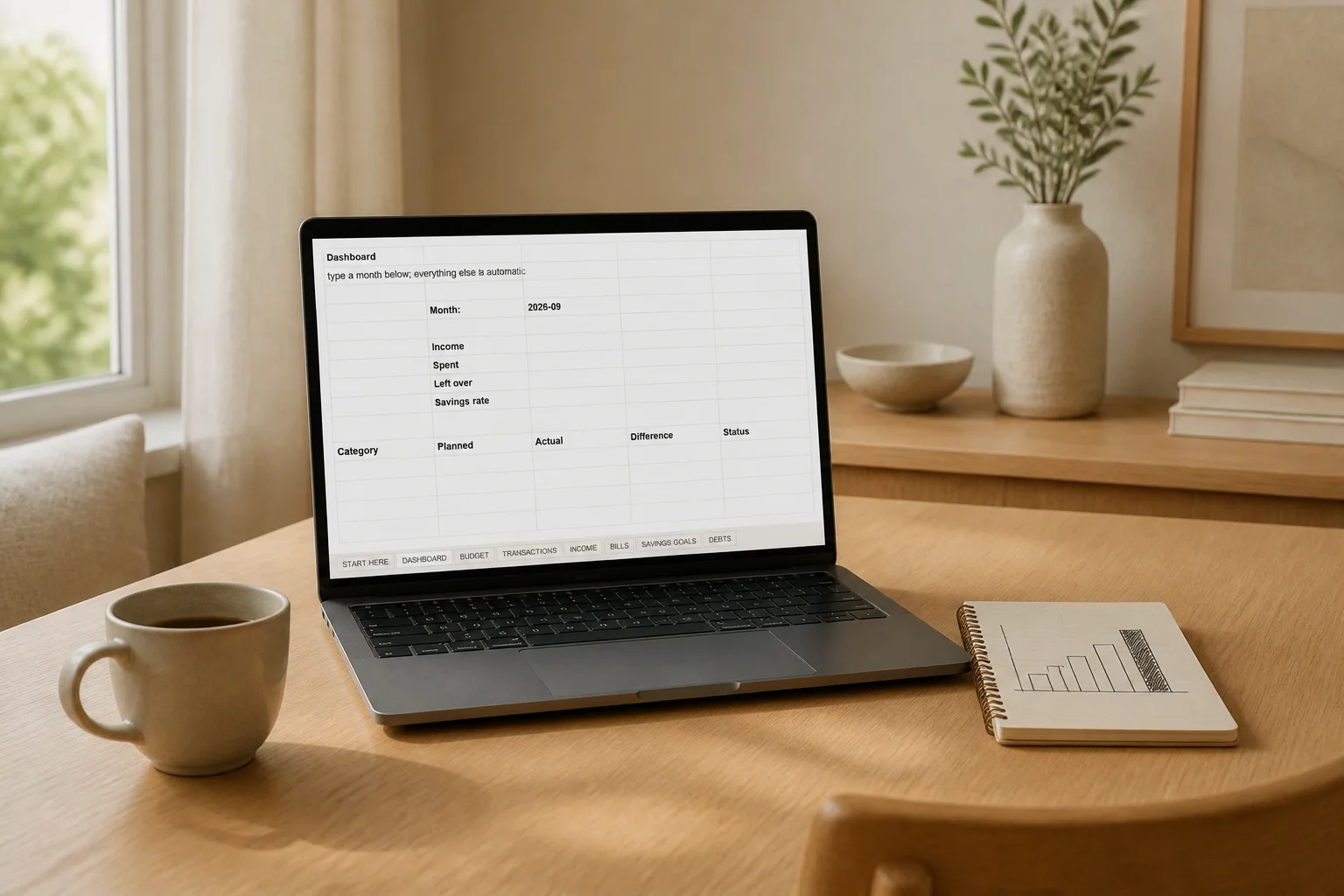
One sheet that adds itself up.
-
03 · The solution
Log → Read the dashboard → Tick bills → Watch it move.
Read the full story
Paper budgets build the habit; spreadsheets do the math. This is the spreadsheet version of getting your money together: a BUDGET tab where you set planned amounts, a TRANSACTIONS tab where logging a purchase takes 30 seconds with dropdown categories, and a DASHBOARD that does everything else.
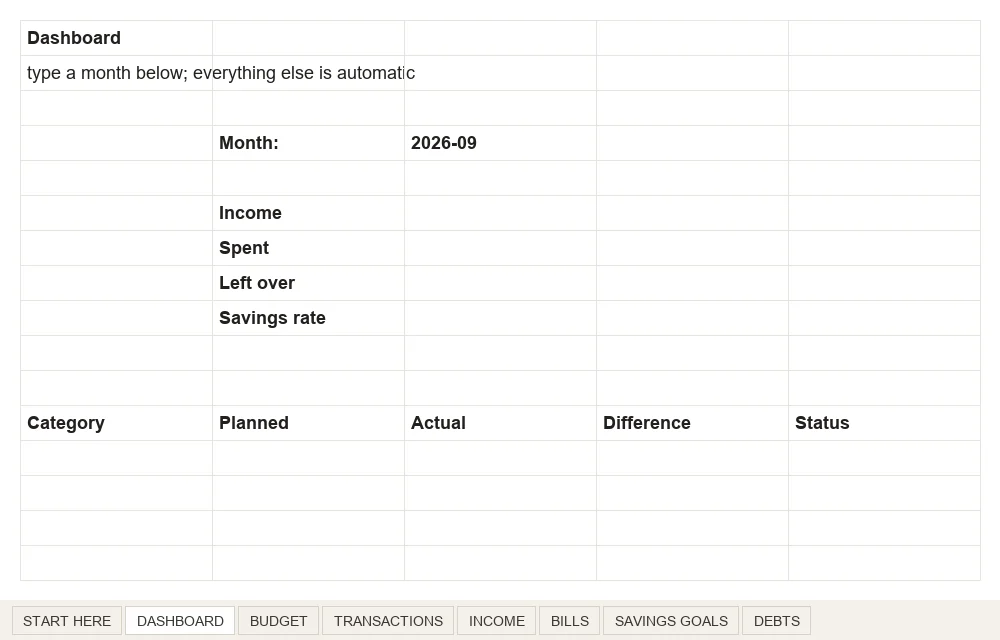
Type a month into one amber cell and it calculates income, spending by category against plan, what's left, your savings rate, and draws the chart. Bills live on their own tab so renewals stop ambushing you. Savings goals fill actual progress bars. Debts get a tab you'll enjoy shrinking. Works in Excel out of the box and in Google Sheets with one upload.
01
The 30-second log
Date, description, category from a dropdown, amount. That's the entire daily habit; the sheet takes it from there.
02
The automatic dashboard
Type a month, get the answer: income vs spent vs left, savings rate, every category against its plan, and the chart. Zero formulas to touch.
Actual files
This is what’s actually inside
Real pages from the files you download, not marketing mockups. Tap any page to see it full size.
01The DASHBOARD tab, before any spending is logged 02The TRANSACTIONS log: date, description, category, amount
Everything above is in one download.
14-day money-back promise. Try it on your own wall, desk or fridge.
This is for you if
- You want the numbers handled without a subscription app
- You live in Google Sheets or Excel already, or want a reason to
- Couples who need one shared money picture
Probably not for you if
- You want automatic bank syncing (this is deliberately manual, that's why it sticks)
- You need business bookkeeping
The details
Everything, spelled out
Everything included
- 12 tabs, zero formulas to touch
- Automatic dashboard: type a month, get income, spending, savings rate and the chart
- SNOWBALL tab auto-ranks debts (snowball or avalanche, one dropdown)
- SINKING FUNDS computes the monthly amount to stay on track
- NET WORTH and YEAR VIEW round out the whole picture
- One file works in Excel and Google Sheets (upload to Drive, open with Sheets)
Files and printing
- XLSX, works in Excel directly and in Google Sheets via a one-time import, delivered as a ZIP
- Print at 100% ("actual size"). Any home printer works; print shops handle larger sizes. Reprint as often as you like.
License
- Personal use only. Not for resale or redistribution. Full terms on the Terms page.
Also inside
- Bills that stop surprising you: Every recurring cost with its due day and amount, ticked off monthly. The subscription you forgot lives here now.
- Goals and debts, visualized: Savings goals with real progress bars that fill as you save; debt balances tracked where you can watch them shrink.
- Debt, funds and net worth, automated: Four automated tabs: SNOWBALL auto-ranks your payoff order (switch to avalanche with one dropdown), SINKING FUNDS computes the monthly amount that keeps each fund on track, NET WORTH tracks the whole story and YEAR VIEW lines up every month side by side.
14-day money-back promise
Not what you expected? Email [email protected] within 14 days of purchase and we fix the problem or refund you in full. No forms, just an email. Details in our Refund Policy.
Good questions
Does it work in Google Sheets?
Do I need to know spreadsheet formulas?
Can I change the categories?
Spreadsheet or paper?
Do I get future updates?
What are the bonus AI prompts?
Is this a physical product?
What if it is not for me?

Ready when you are
One forgotten subscription, caught by the bills tab, pays for it.
$7.90
One-time payment · Instant access · 14-day money-back promise
- Instant delivery
- Secure checkout
- 14-day money-back promise
- One-time payment
- Personal-use license
- Free future drops
Pairs well with
Kitchen
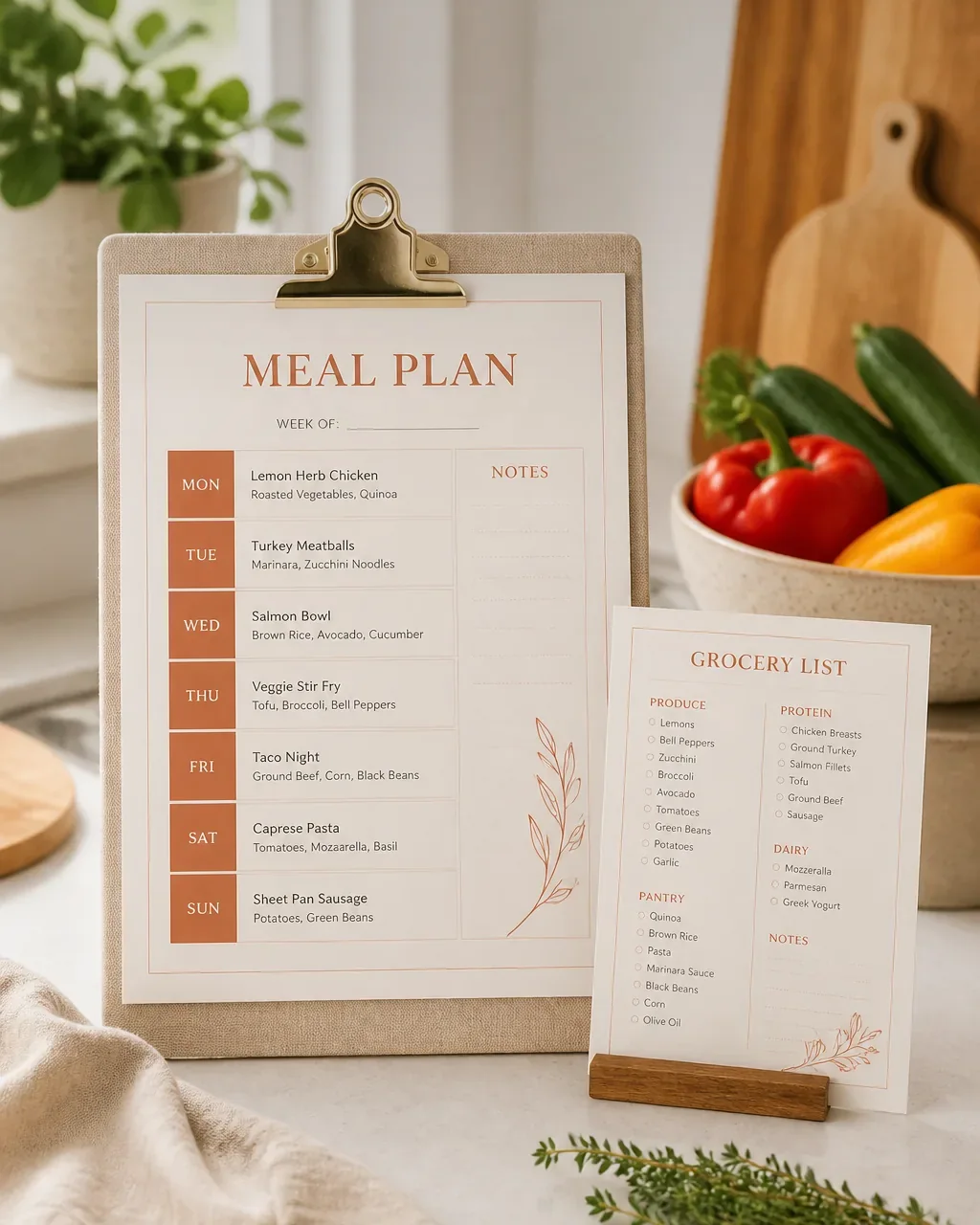
The Weekly Meal Planner & Grocery List
One page plans the whole week's meals; the matching grocery list is sorted by store section.

Business
The Client Welcome Packet Template
A 16-page onboarding packet for freelancers and service businesses: process, pricing…
The Home Budget Spreadsheet
$7.90 · instant download